
Every tool your IT team needs, in one workspace
Checklists, to-dos, projects, a Kanban board, a knowledge base and reports to manage your team, plus end-of-life, security update and outage tracking to look after your infrastructure.
Manage your team
Plan the day, share the work and keep a record of everything that’s done.
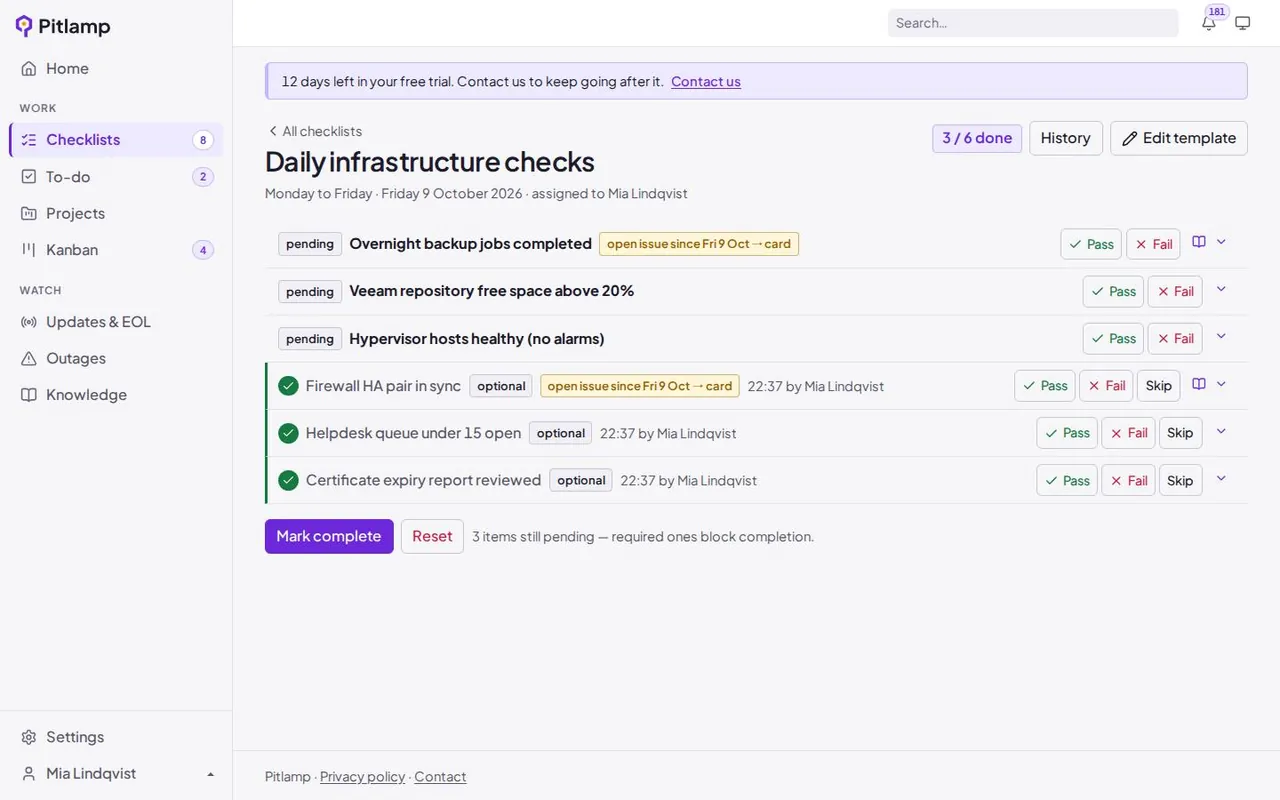
Daily IT checklists
Turn your morning checks into a repeatable routine with a guide for every step.
- Build your own checklist, with a runbook or guide for each item
- Record pass or fail, comments and attachments for every run
- Failed checks stay open until they’re fixed, with a dated history
To-dos and projects
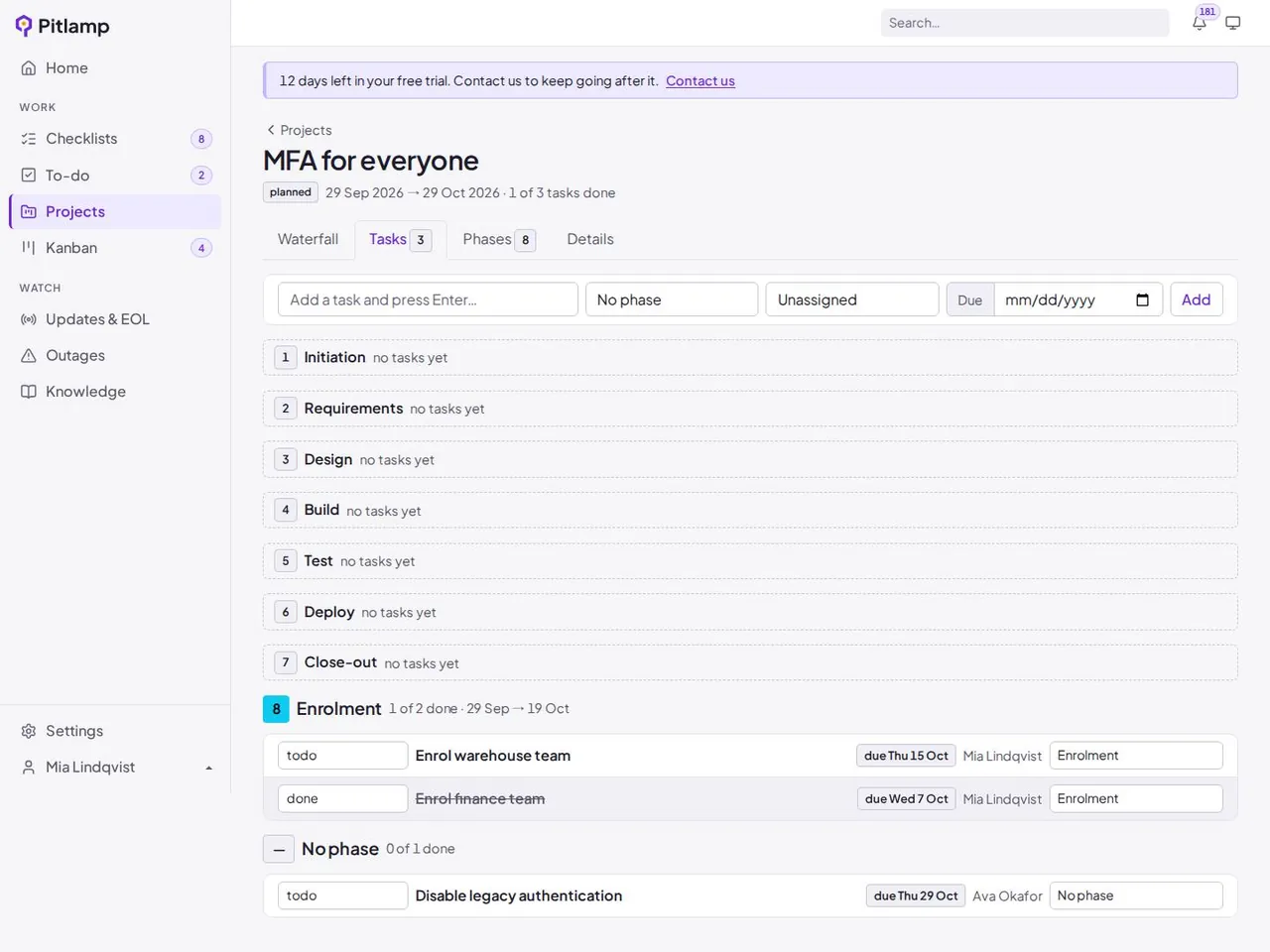
Keep small jobs and big pieces of work moving without a separate project tool.
- Personal and shared to-do lists
- Projects to group related work and track progress
- Projects and to-dos sit alongside the Kanban board
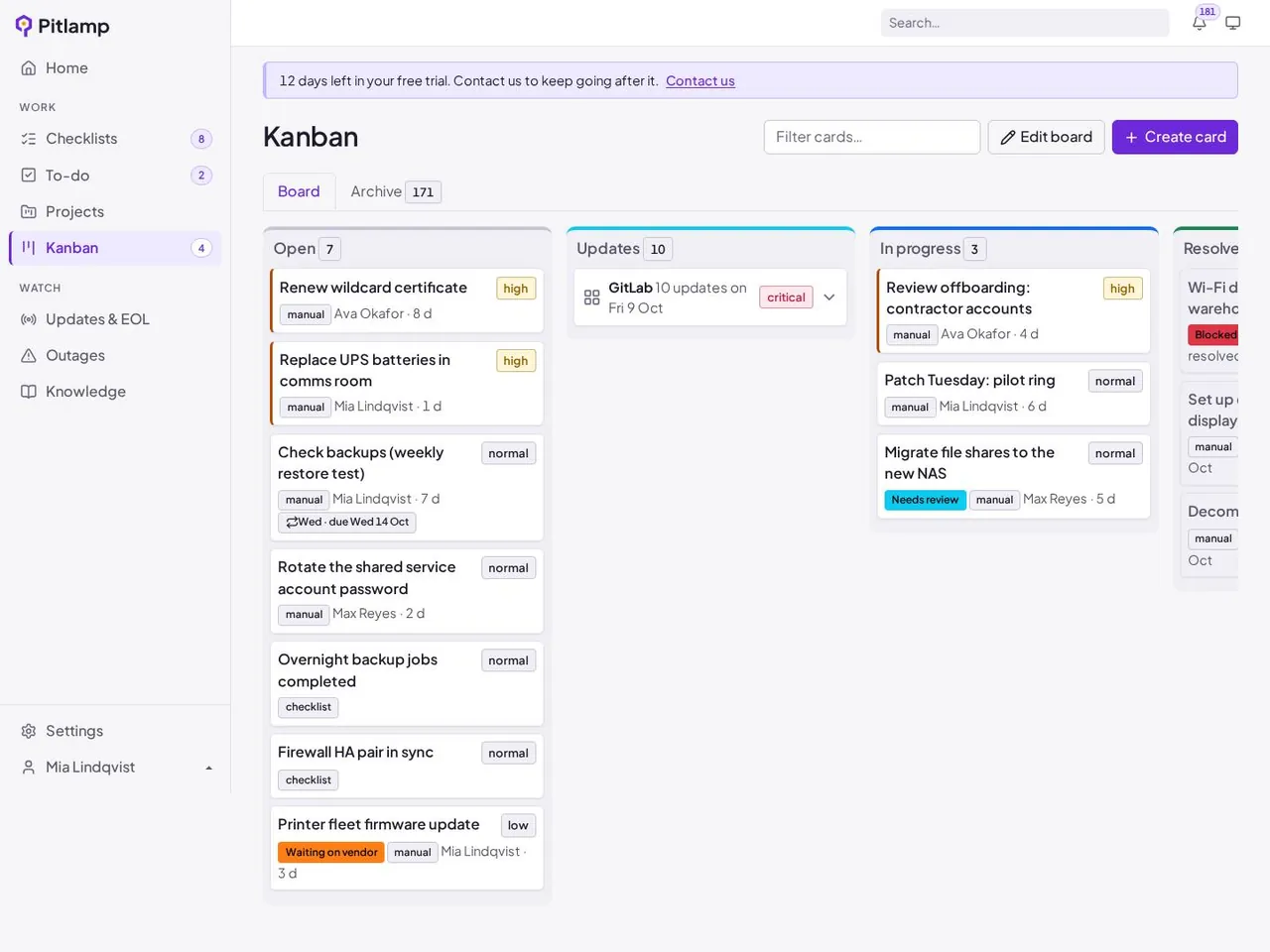
Kanban board for IT work
See every open job at a glance, and who’s working on what.
- Failed checks and urgent updates become cards automatically
- Move work from open to in progress to resolved
- One shared view for the whole team
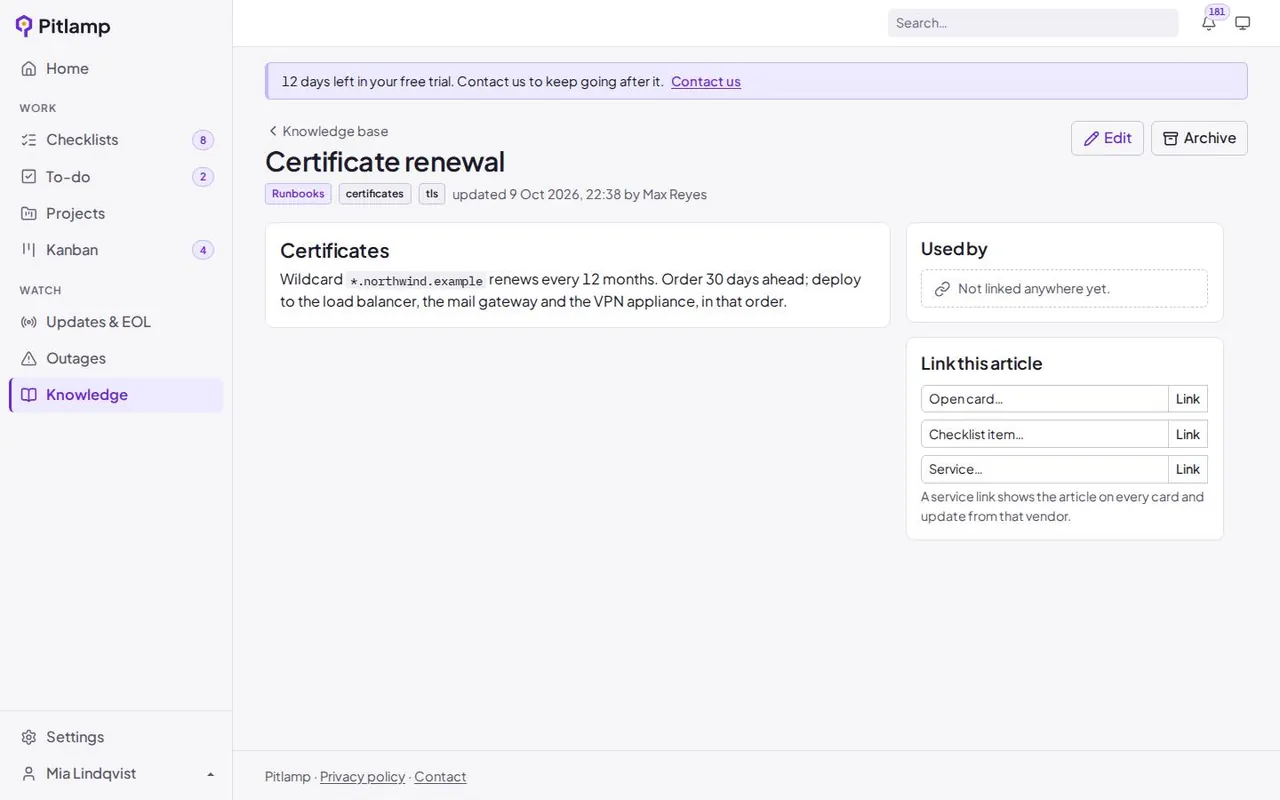
Knowledge base
Stop solving the same problem twice.
- Runbooks, guides and fixes in one searchable place
- Each checklist item carries its own guide, so the how-to is always at hand
- Everyone works from the same instructions
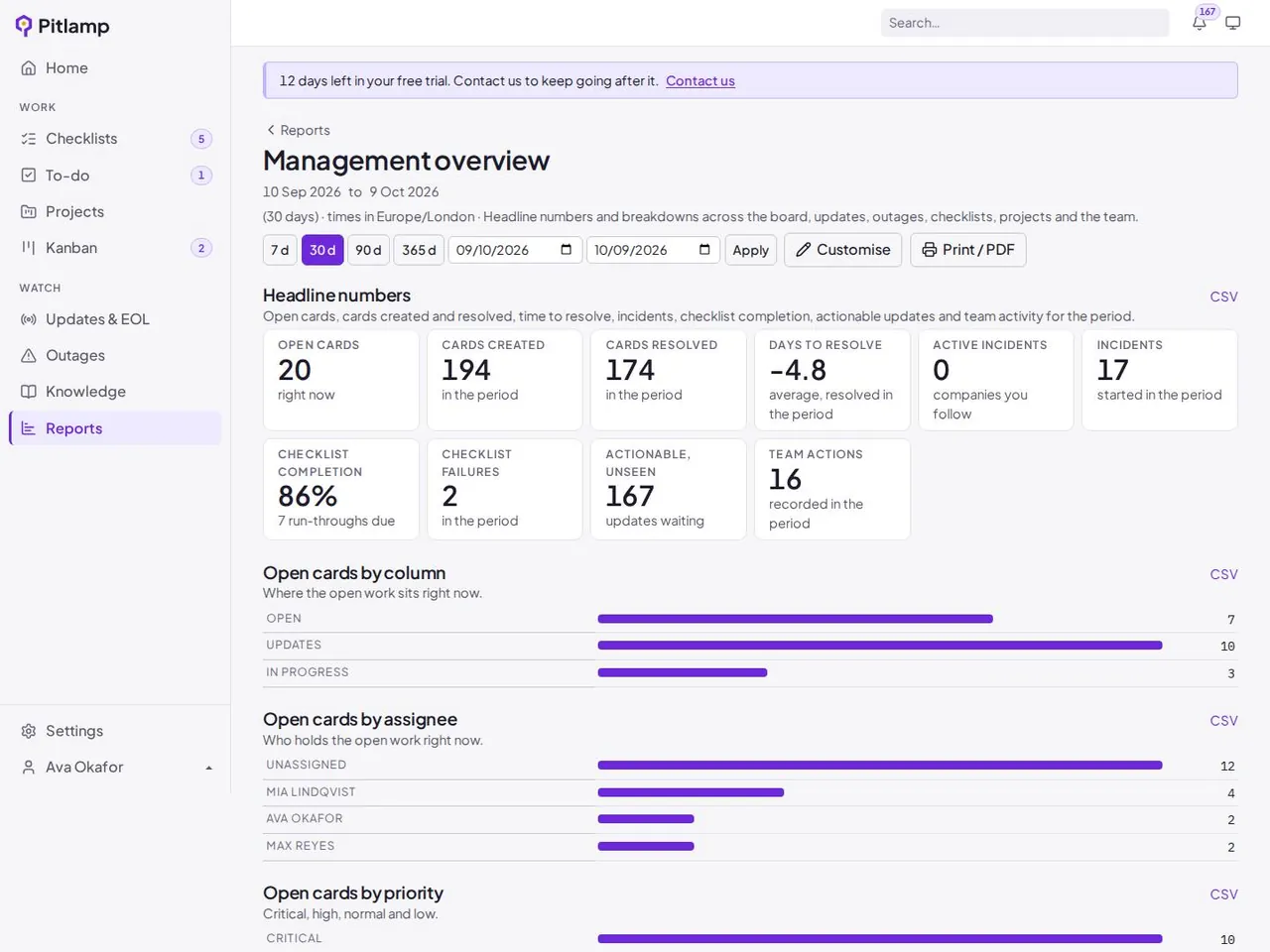
Reports and notifications
Show what’s been done, and hear about what’s changed.
- Reports on completed work and open items
- Notifications when something relevant changes
- A dated history to share with managers and auditors
Look after your infrastructure
Know what’s changing across the software and services you run, before it becomes a problem.
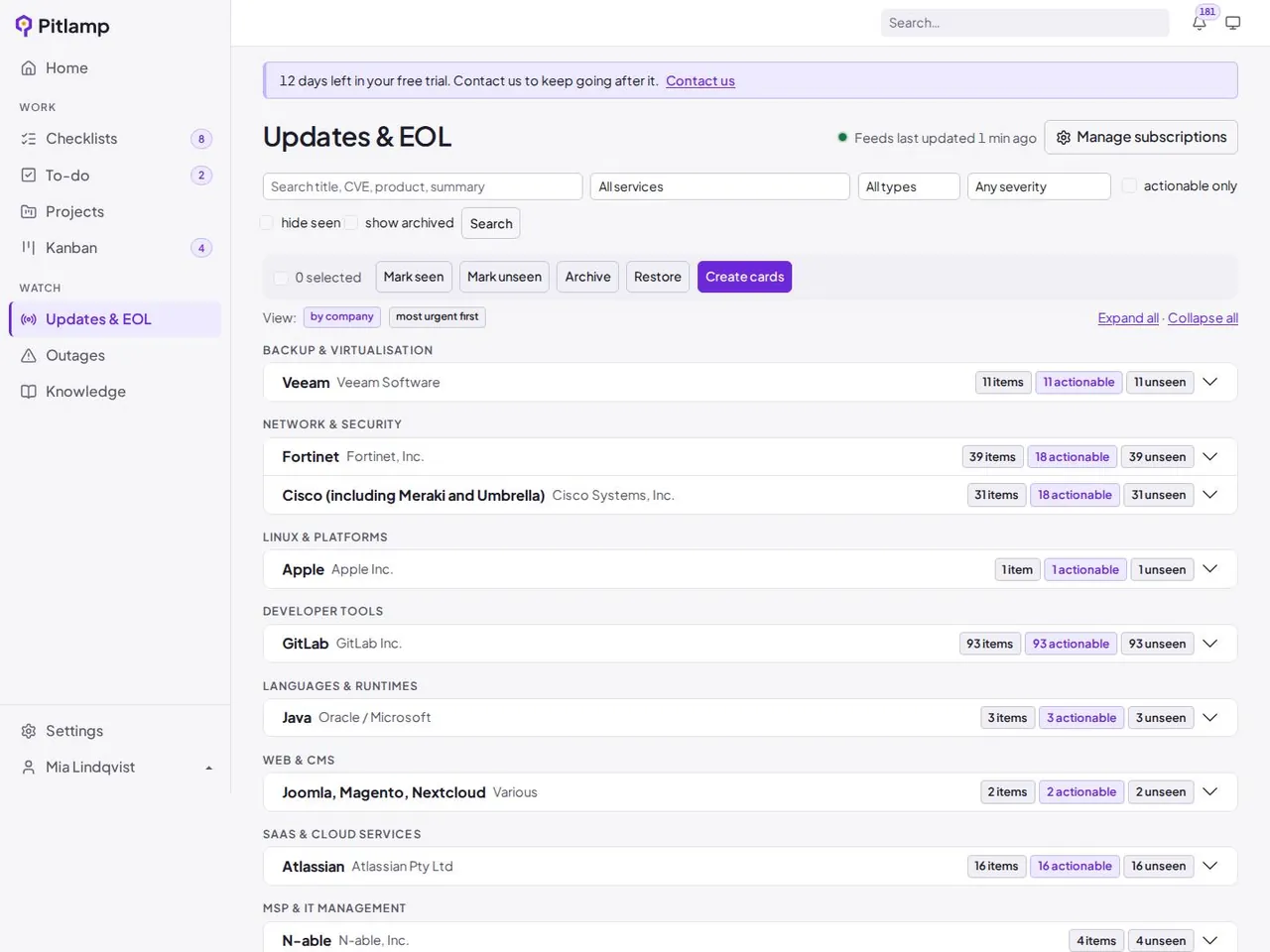
Software end-of-life (EOL) tracking
Know exactly when the software and platforms you run lose vendor support, and plan upgrades before you’re running something unsupported.
- End-of-life and end-of-support dates for the software you select
- Early warning as each date gets closer, ranked alongside your other work
- A link back to the vendor’s own announcement for every date
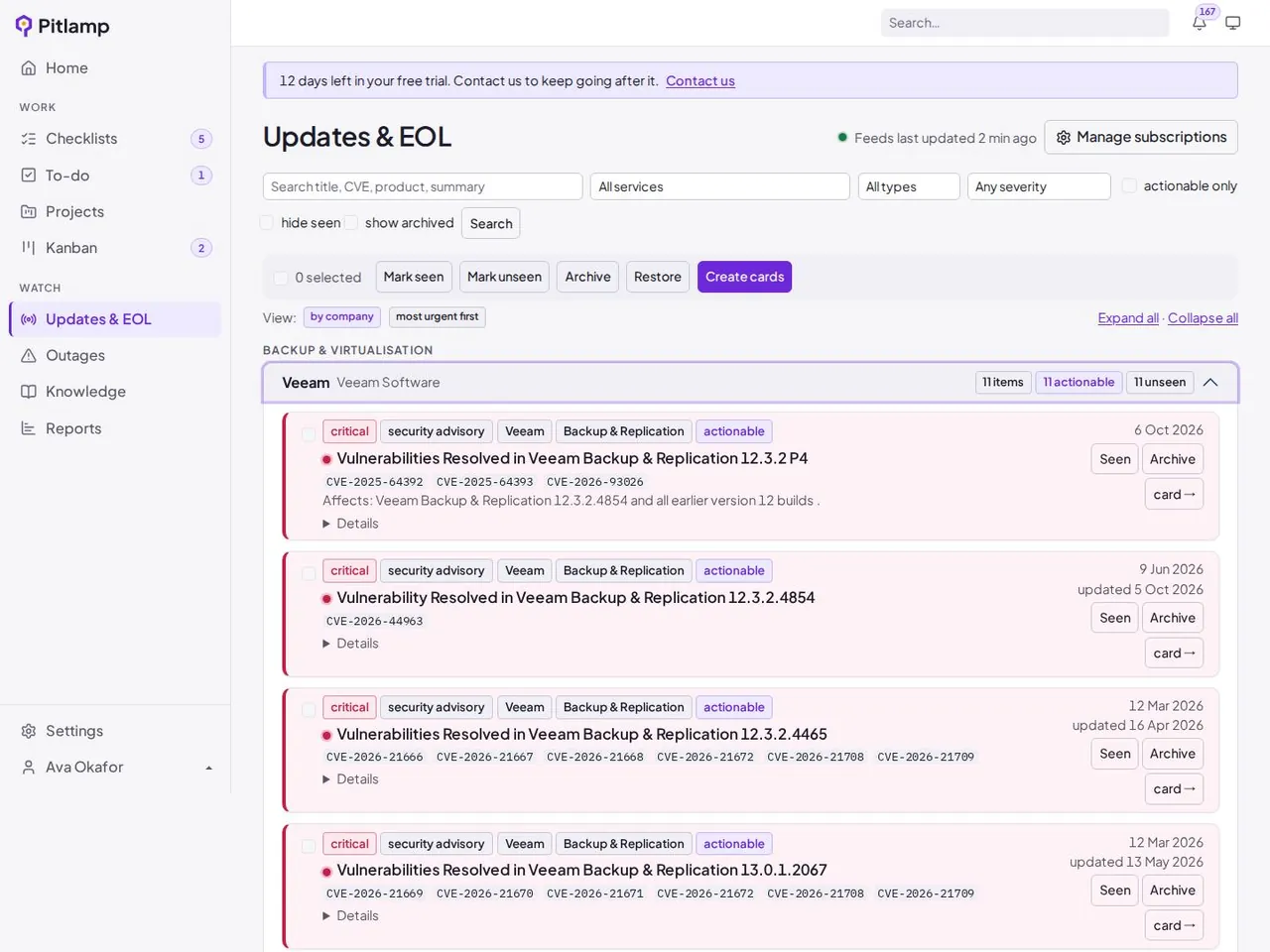
Security update and CVE tracking
See the security advisories that matter to your estate, with the most severe at the top.
- Security advisories from the vendors you choose to follow
- Ranked by urgency, with CVE IDs and CVSS scores highlighted
- Mark each item Complete, Remind me in a few days, or Ignore
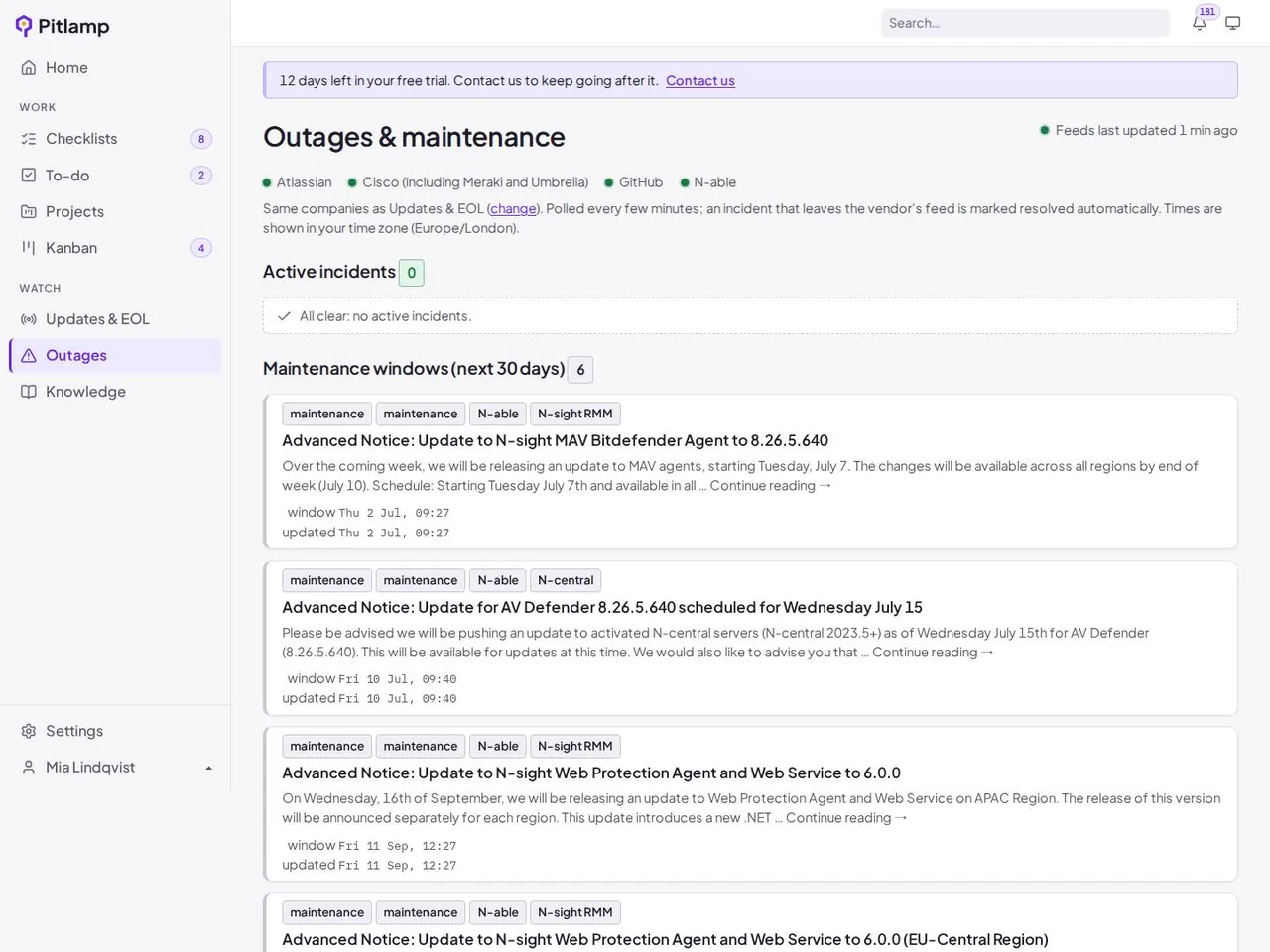
Vendor outage and maintenance monitoring
When something feels slow, check one screen instead of a dozen vendor status pages.
- Current incidents from the vendors and cloud services you rely on
- Planned maintenance windows in the same view
- Outages shown next to the rest of your team’s work
Secure by default
Pitlamp holds information about your team and your estate, so security isn’t optional.
Multi-factor authentication
Every account signs in with multi-factor authentication, and it can’t be switched off.
Hosted in the UK
Pitlamp runs on Microsoft Azure in the UK South region, so your data stays in the UK.
Bring your IT team’s work into one place
Checklists, tasks, projects, runbooks and update tracking in one workspace. Try Pitlamp free for 30 days, with no payment details needed.